
TL;DR:
- Discount code validation involves multiple automated checks including code existence, expiration, usage limits, and eligibility.
- Preparation steps like verifying code terms, using incognito mode, and confirming expiration increase success rates.
- Many failed codes are due to expiration, cart mismatches, or region restrictions, which can be mitigated with proper validation.
You paste a discount code at checkout, hit apply, and get a cold error message. No savings, no explanation. This happens more often than you'd think, and it's rarely random. Every code goes through a behind-the-scenes validation pipeline the moment you submit it, and knowing how that pipeline works puts you in control. This guide breaks down exactly how discount code validation works, what you need to prepare before using a code, how to test codes like a pro, and how to troubleshoot the stubborn failures that even experienced deal seekers run into.
Table of Contents
- Understanding the discount code validation process
- Preparation: What you need to maximize success
- How to validate discount codes: A step-by-step guide
- Troubleshooting & advanced validation scenarios
- The hidden truth about discount code validation most shoppers miss
- Unlock more savings with LovableRewards
- Frequently asked questions
Key Takeaways
| Point | Details |
|---|---|
| Multi-step validation | Successful discount code use relies on several checks including expiration, eligibility, and stacking rules. |
| Be prepared | Have all requirements ready before you check out, like minimum cart value and customer status. |
| Test codes smartly | Incognito browsers, trusted coupon sites, and browser tools increase the odds your code works. |
| Verification matters | Reliable codes come from platforms using AI, community feedback, and regular validation, not random lists. |
Understanding the discount code validation process
Before you can save money, a code has to pass a series of automated checks. Most shoppers assume a code either works or it doesn't. The reality is more layered.
First, let's clarify three terms that get mixed up. Validation is the automated check that happens server-side when you apply a code. Verification is the process of confirming a code is active and legitimate before you even try it. Redemption is the final step where the discount is applied and recorded.
The coupon validation stages follow a strict sequence. According to Voucherify, discount code validation involves a multi-step pipeline covering code lookup, expiration check, usage limits, customer eligibility, cart eligibility, stacking rules, and discount calculation. If any single step fails, the code is rejected.
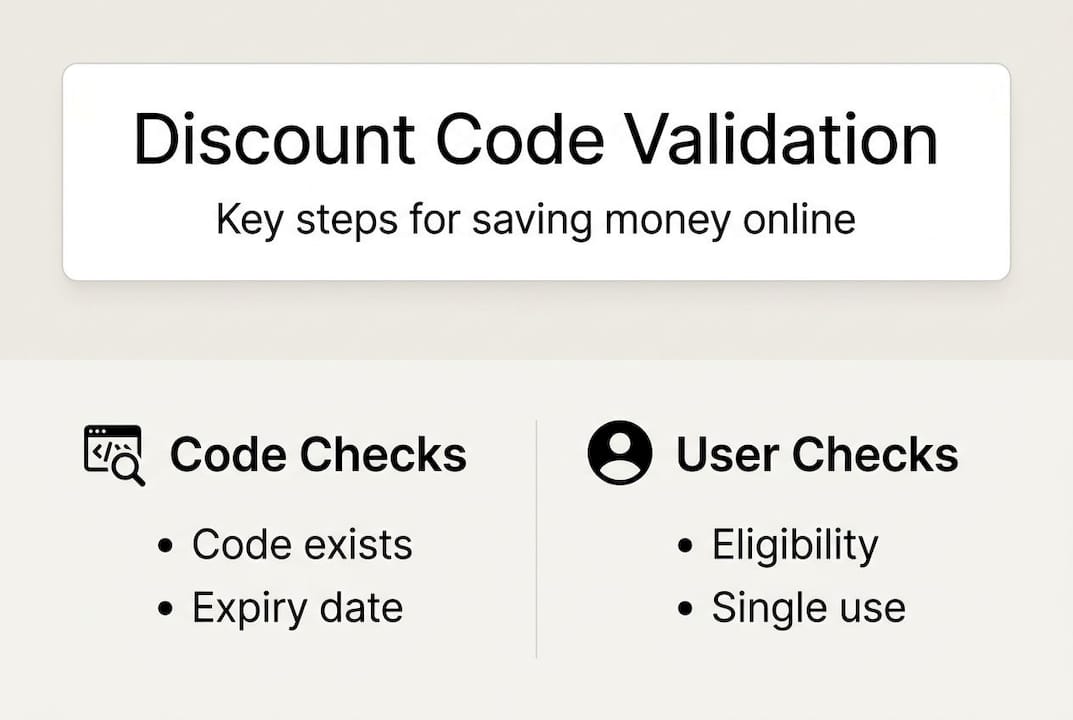
Here's a quick breakdown of those checks:
| Validation step | What it checks | Common failure reason |
|---|---|---|
| Code existence | Is the code in the system? | Typo or fake code |
| Expiration | Is the code still active? | Expired promotion |
| Usage limits | Has the code hit its cap? | Popular code, already maxed |
| Customer eligibility | New or existing customer? | Wrong account type |
| Cart eligibility | Minimum value, excluded SKUs? | Cart too small or wrong items |
| Stacking rules | Can it combine with other offers? | Conflict with existing promo |
| Discount calculation | Final amount applied | Rounding or currency issue |
Server-side validation matters because it prevents abuse. If validation only happened in the browser, bots could manipulate the checkout flow and force discounts without meeting the actual requirements. That's why the server always has the final say, regardless of what your browser shows.

For shoppers, understanding code verification basics helps you recognize which step is likely causing a failure. A vague "code not valid" message could mean anything from expiration to a stacking conflict. Knowing the pipeline means you can narrow it down fast.
Pro Tip: When a code fails, don't just try it again. Think through the checklist above and identify which step is most likely blocking you. Nine times out of ten, it's expiration or cart eligibility.
Preparation: What you need to maximize success
Now that you know what happens behind the scenes, here's how to stack the odds in your favor before you even paste a code.
Most code failures are preventable. The problem is that shoppers often grab a code from a random site, paste it in, and hope for the best. A little preparation changes everything.
Start by checking these requirements before you attempt any code:
- Minimum cart value: Many codes require a cart of $25, $50, or more. Check the terms before adding items.
- New vs. existing customer: Some codes are exclusive to first-time buyers. Using them on an existing account will always fail.
- Country or currency restrictions: A code from a UK promotion may not work on a US storefront.
- Product exclusions: Sale items, gift cards, and certain brands are often excluded.
- Expiration date: Always confirm the code is still active. This sounds obvious, but it's the number one failure point.
For avoiding expired codes, use sources that display a "last verified" timestamp. This single habit eliminates the majority of wasted attempts.
Here's a comparison of where you get your codes and what that means for success:
| Source type | Verification method | Typical success rate | Risk level |
|---|---|---|---|
| Community platforms (AI-verified) | AI + user reports | High | Low |
| Brand email / app | Direct from retailer | Very high | Very low |
| Browser extensions (active) | Automated testing | Medium to high | Low |
| Coupon aggregator sites | Scraped, rarely tested | Low | Medium |
| Social media / forums | Unverified, user-shared | Very low | High |
As SimplyCodes explains, smart shoppers test codes at checkout in incognito mode, check eligibility and exclusions, confirm expiration via the retailer's terms page, and use browser extensions that show recent verification timestamps.
For broader savings across different categories, multi-industry referral code tips can help you apply the same preparation habits across travel, finance, and retail codes.
Having a short personal checklist before every code attempt takes 60 seconds and saves significant frustration. Treat it like a habit, not a chore.
How to validate discount codes: A step-by-step guide
Armed with your tools and knowledge, let's walk through how you can test and validate a code with the highest chance of success.
- Source the code from a verified platform. Grab codes from sources that show a recent verification date. Avoid codes posted without timestamps.
- Read the terms first. Before touching your cart, check the retailer's promotion page or the code's terms for minimum spend, exclusions, and expiration.
- Open an incognito or private browser window. This clears session cookies and prevents your existing account history from interfering with eligibility checks.
- Build your cart to meet requirements. Add items that qualify. Avoid excluded categories. Confirm your cart total clears the minimum.
- Apply the code before entering payment. Some codes fail after payment details are entered due to session timeouts. Apply early.
- Check the discount appears before confirming. Never complete a purchase assuming the discount applied. Verify the reduced total is showing.
- Screenshot the discount confirmation. If anything goes wrong post-purchase, you have proof the code was accepted.
Watch out: The most common failure points are expired codes and cart eligibility mismatches. According to SimplyCodes, testing in incognito mode, verifying eligibility, and using extensions with recent timestamps dramatically improves success rates.
If a code fails even after following these steps, check the retailer's live chat or help center. Many stores will manually apply a valid discount if you can show the code was advertised and you met the requirements.
For tips on fair code sharing steps, the same principles apply: well-documented, clearly scoped codes are easier to use and easier to trust.
Pro Tip: Need a new-customer code but already have an account? Use a legitimate email alias (like yourname+deal@gmail.com) to create a secondary account. Many retailers accept these, and it keeps everything above board.
For a deeper look at troubleshoot code failures, there are 15 documented quick fixes worth bookmarking for stubborn cases.
Troubleshooting & advanced validation scenarios
If your code still doesn't work, you might be running into one of these advanced scenarios.
Sometimes a code checks every box and still fails. These edge cases are less common but worth knowing.
Common advanced failure scenarios include:
- Data latency: The system hasn't synced a newly issued code yet. Wait 10 to 15 minutes and try again.
- Payment error rollback: If a payment fails after a code is applied, some systems mark the code as used even though the order didn't complete. Contact support immediately.
- Single-use per account: Even if a code looks generic, it may be tied to one use per email address across all accounts.
- Stacking conflicts: Applying a sale price and a percentage-off code simultaneously often triggers a conflict, even if both seem valid.
- Region or currency mismatch: A code issued for USD transactions won't work on a EUR checkout, even on the same site.
- Bot abuse and fraud flags: If a code has been widely shared and tested by bots, the retailer may have flagged or deactivated it preemptively.
As FraudLabsPro notes, edge cases in coupon code validation include stacking conflicts, single-use per account, region and currency restrictions, payment failure rollbacks, offline redemption issues, bot fraud, and data latency causing false approvals.
Professional coupon platforms handle this differently. Sites that use AI health scores and community reporting can flag codes before they're widely distributed as failed. Understanding coupon site validation methods reveals a big gap between scraped code aggregators and platforms that actively test and score codes.
For platforms managing large volumes of codes, rotating codes to prevent fraud is a key tactic that keeps redemption rates high and abuse rates low.
Pro Tip: If a code is listed on a community-verified platform and still fails, report it. Good platforms update their listings based on user feedback, which helps everyone avoid wasted attempts.
The hidden truth about discount code validation most shoppers miss
Beyond all the steps and hacks, there's a bigger story that most shoppers overlook.
A working code isn't luck. It's the result of real infrastructure work by brands, developers, and communities. Every time a code works cleanly at checkout, someone built and maintained the system that made it possible. That's easy to forget when you're just trying to save $10 on a purchase.
The downside of broken or fraudulent codes goes beyond frustration. Failed codes erode trust in a brand. They waste your time and can push you toward purchases you wouldn't otherwise make just to chase a discount that never materializes. That's a bad deal by any measure.
Savvy shoppers don't just hunt codes. They prioritize community deal sharing platforms where codes are regularly tested and flagged when they stop working. The difference in success rate between a random forum post and a verified community code is significant.
Sharing validated codes is also a win for everyone. When you submit a working code to a trusted platform, you help other shoppers avoid the frustration you've already navigated. That's the kind of deal culture worth being part of.
Unlock more savings with LovableRewards
Ready to make sure every code works? Here's how you can make the process effortless.
LovableRewards takes the guesswork out of discount code validation by combining AI-based verification with active community reporting. Every code on the platform is checked for validity, expiration, and eligibility before it reaches you.
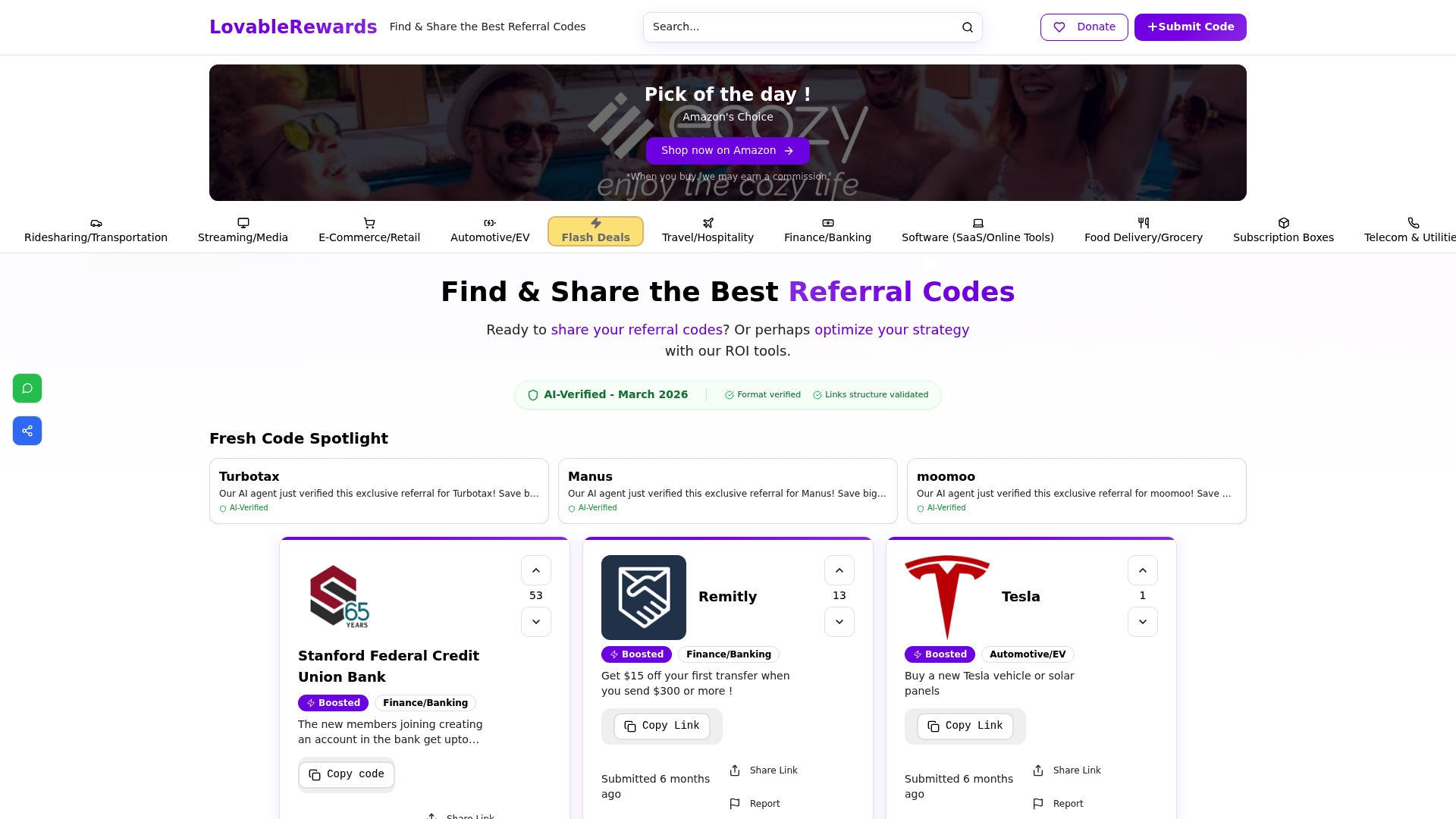
Instead of wasting time on codes that fail, you get a curated list of active, tested offers across e-commerce, financial services, travel, and more. The platform's fair rotation system also means you're seeing fresh codes, not the same stale listings recycled from months ago. If you're serious about maximizing your savings without the trial-and-error frustration, LovableRewards is the shortcut you've been looking for.
Frequently asked questions
What are the most common reasons a discount code fails at checkout?
Codes typically fail due to expiration, not meeting minimum cart value, being single-use, stacking conflicts, or incorrect customer eligibility. The validation pipeline checks code existence, expiration, usage limits, customer segment, cart minimum, and stacking policy in sequence.
How can I quickly verify if a code is active and valid?
Test in incognito mode, check eligibility and exclusions, and use browser extensions that show recent verification timestamps. Confirming terms directly on the retailer's promotion page also catches most issues before checkout.
What makes some coupon sites more reliable than others?
Sites using AI verification, community feedback, and regular code testing are far more reliable than those relying on scraped or untested codes. Failed codes can drop conversion rates by 25%, which is why health scores and active testing matter.
Why do unique codes work better than generic ones?
Unique codes are harder to abuse and less likely to be deactivated due to mass sharing or bot testing. They also tend to perform better in affiliate and seasonal campaigns, offering higher success rates and better average order values compared to generic alternatives.